A software product, from its help pages
Written only from a manufacturing software's public help pages: what it does, who uses it and how an order moves through a plant.
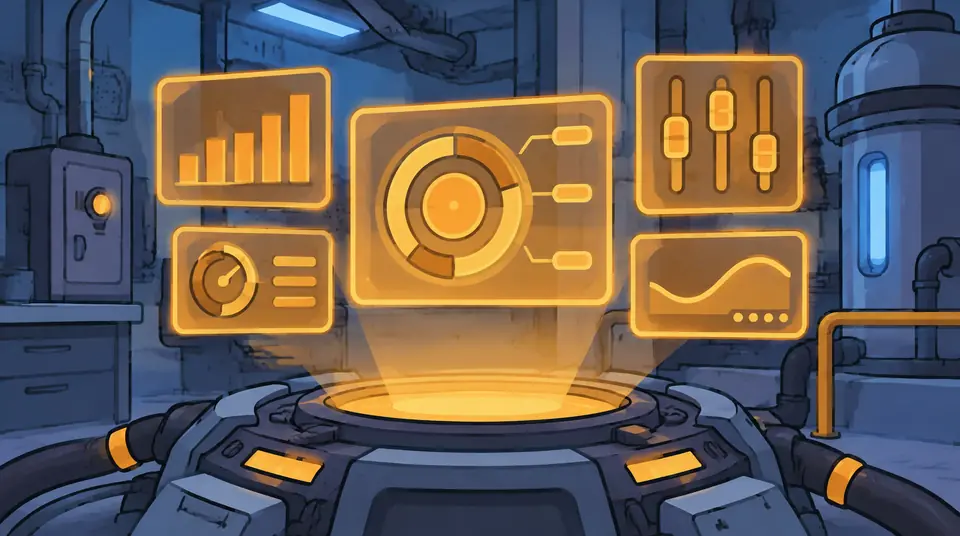
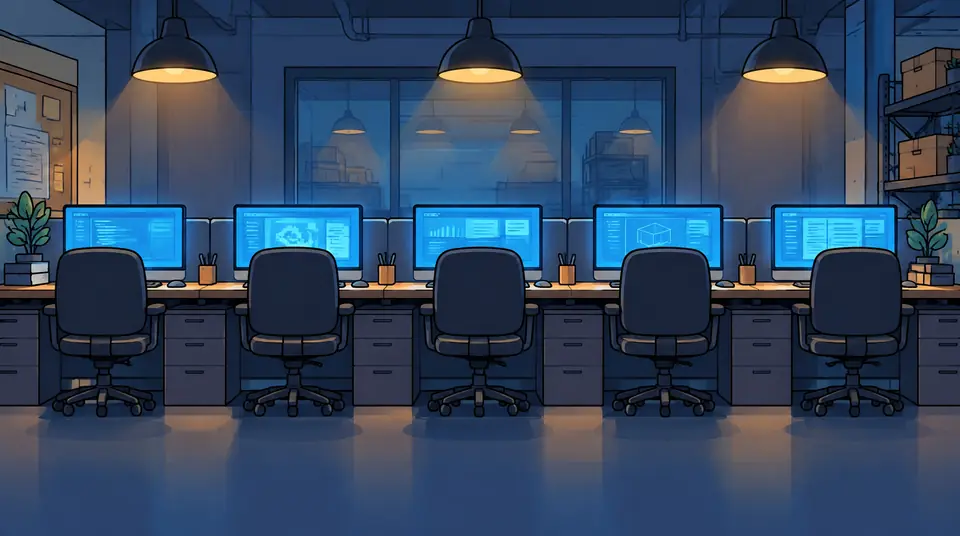
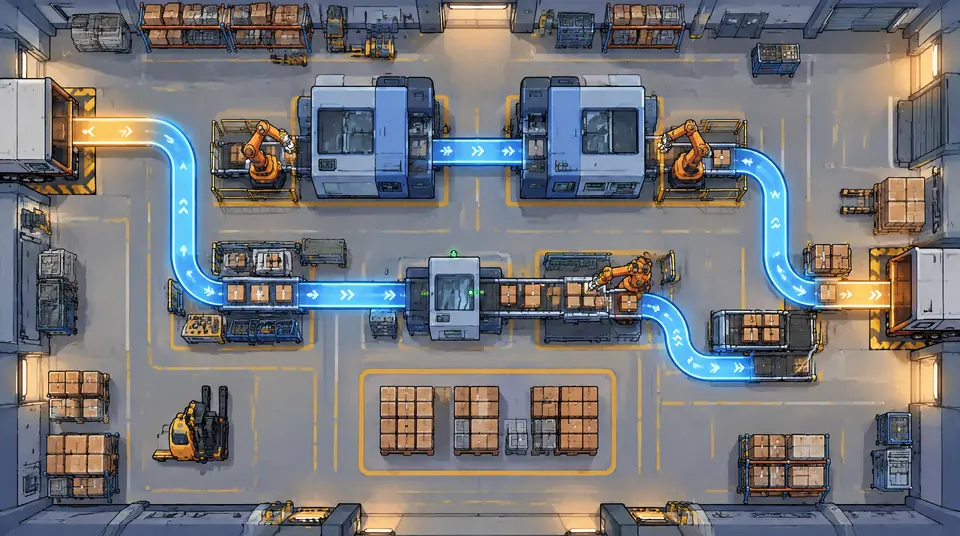
We turn your product, process or policy into a narrated video of 60 to 120 seconds, in your brand. You approve the script and the storyboard before anything is made. No tool to learn, no account to set up.
A short video explains it once, the same way, to everyone who needs it. We make that video from the material you already have.
Real frames and motion from our own sample videos. They show the work; they aren't client projects.
Written only from a manufacturing software's public help pages: what it does, who uses it and how an order moves through a plant.
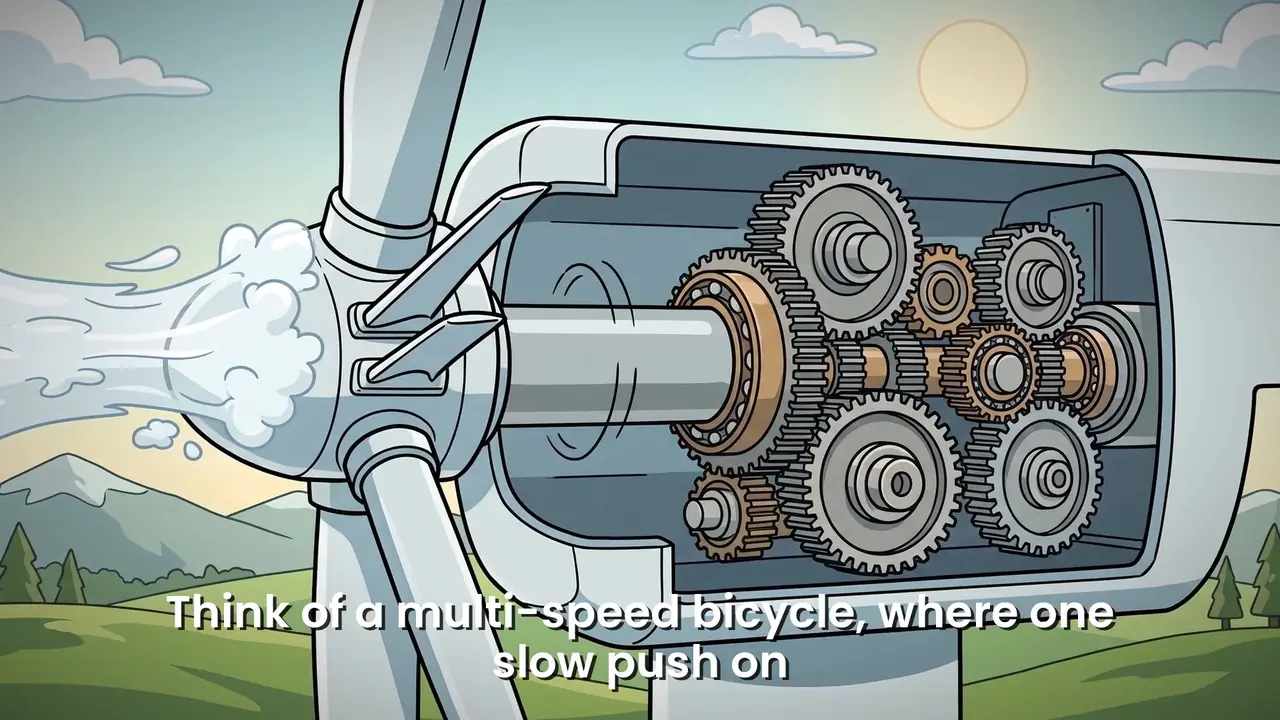
How a wind turbine turns wind into electricity, one part at a time, with cutaways where words aren't enough.
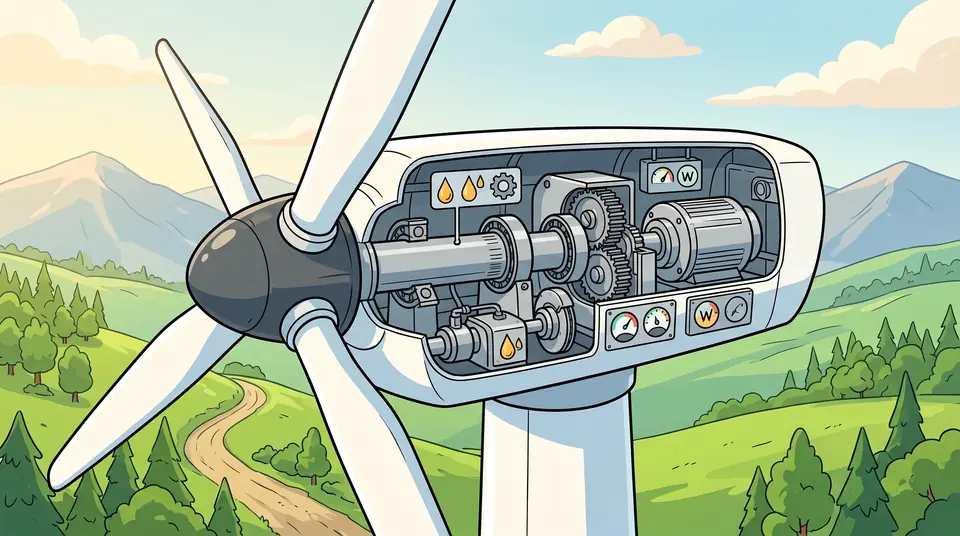
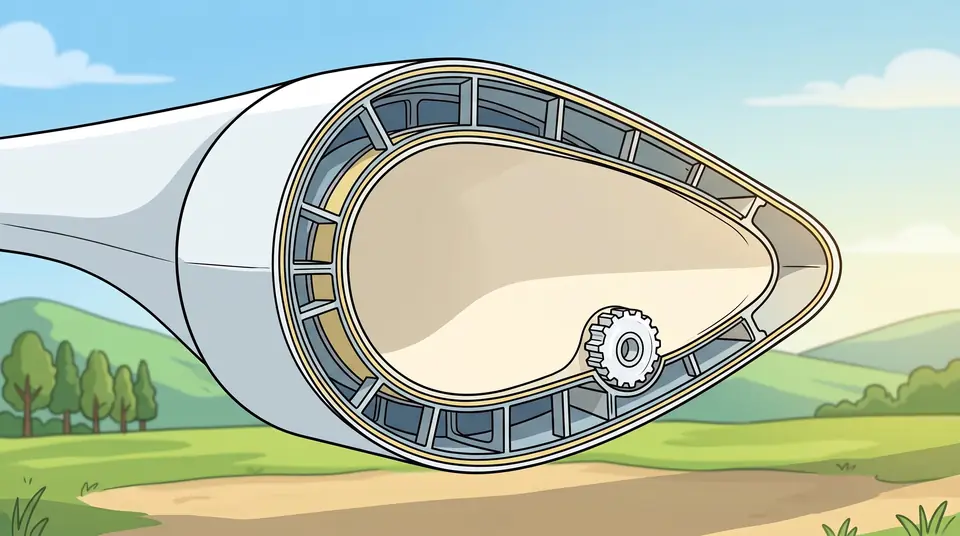
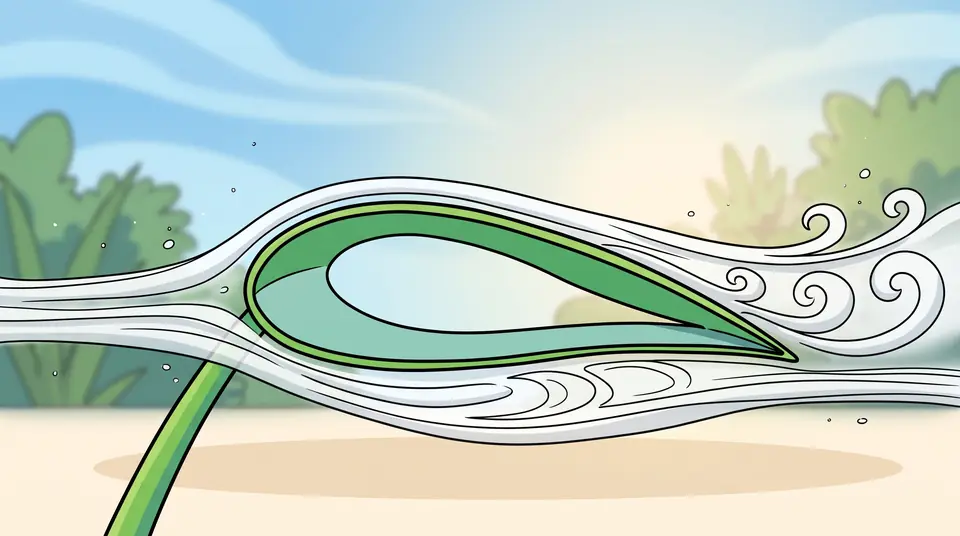
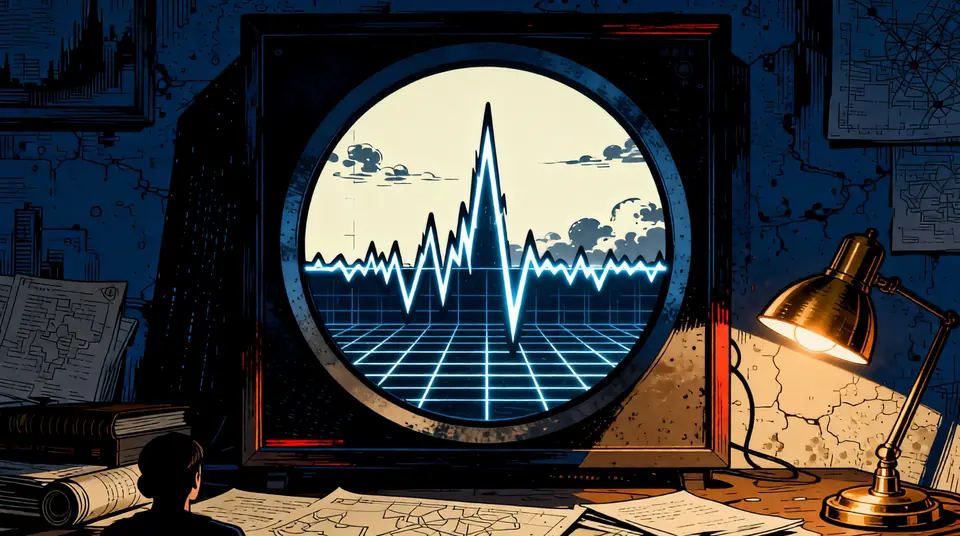
We match the style to your brand, and it stays the same across a series. Four looks we've made so far:
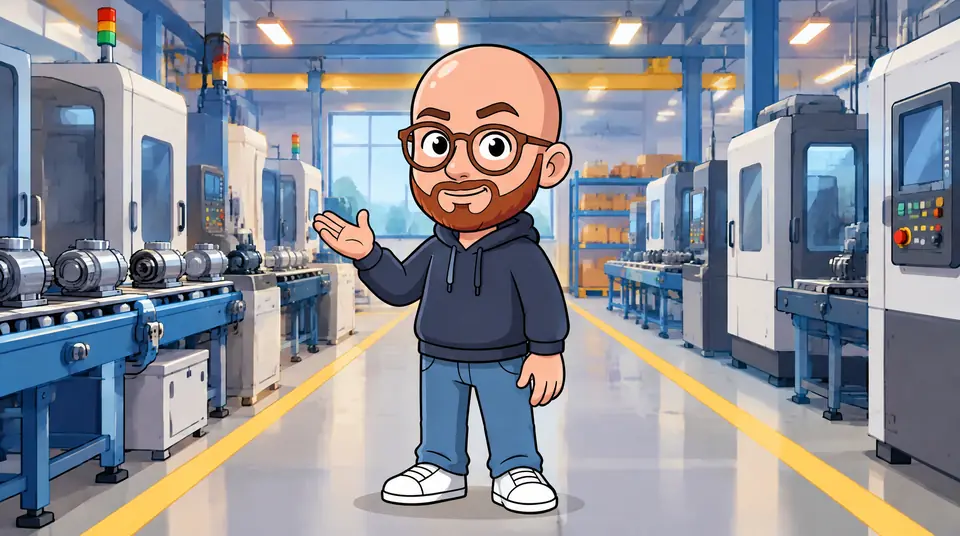
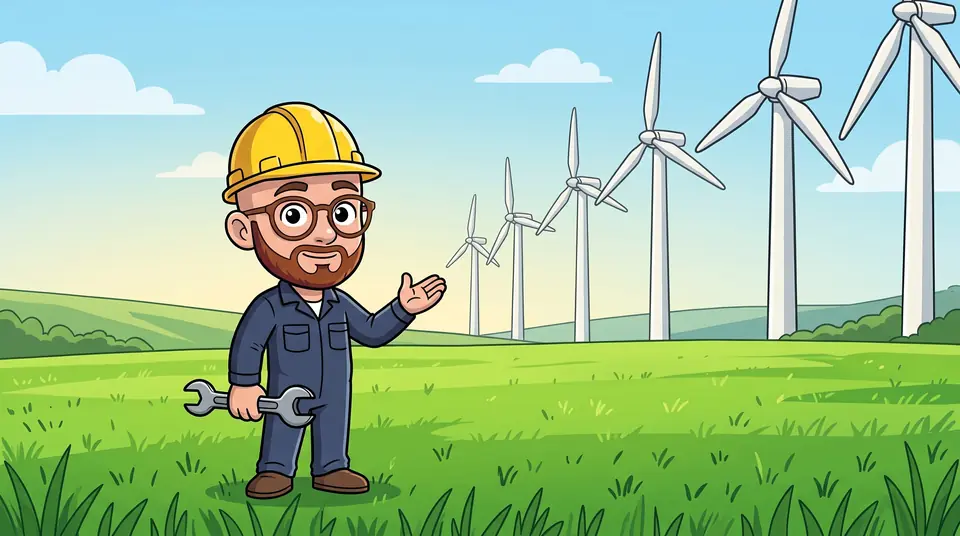

Anything you'd otherwise explain in a long document, a meeting or the same call every week.
What your product does and who it's for, for your homepage, launch posts and ads.
The first-week walkthrough, so every new hire hears it the same way.
A new process or a policy change, explained in two minutes instead of a long email.
A clip your sales team can put in decks and follow-up emails.
Answers to the questions your support team gets every week.
The same video, voiced and captioned for each market you sell in.
You check the words, then the pictures. Nothing is rendered until you've approved both.
Whatever explains it today. Add your logo, colours and font. We write from that and nothing else.
You read every word before anything is drawn. If your material doesn't say it, the script doesn't either. Revisions are included.
19That assumption overlooks how direct digital connection reshapes the frontline experience.
21The system gives everyone access to all details of the current order so they do not need to ask someone else.
22Instead of relying on fallible recollection, the system guides, checks, and confirms every required action.
24New operators are provided with step-by-step guidance starting from their first day.
Script approvedEvery shot as a still frame, beside the line it goes with. You see the whole video before it's rendered, and ask for changes here too.
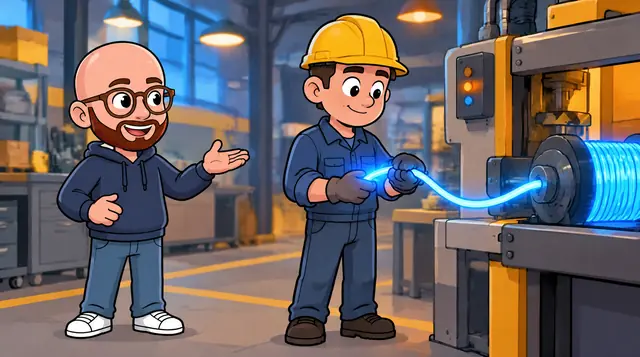 Shot 19
That assumption overlooks how direct digital connection reshapes the frontline experience.
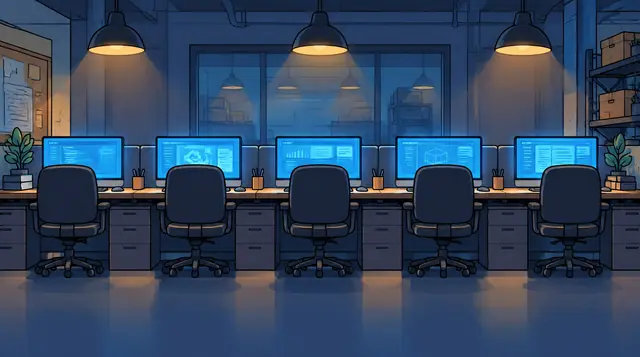 Shot 21
The system gives everyone access to all details of the current order.
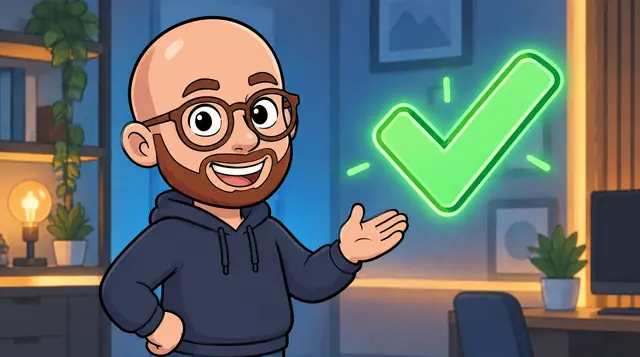 Shot 22
The system guides, checks, and confirms every required action.
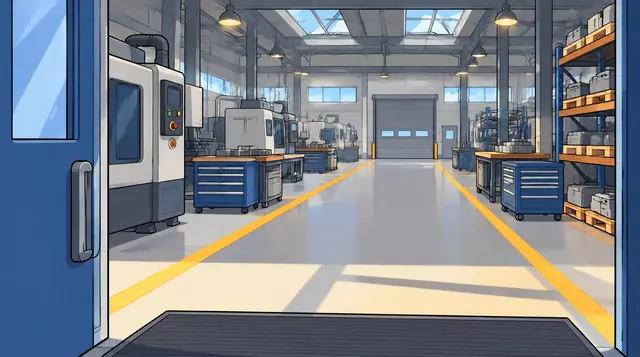 Shot 24
Step-by-step guidance starting from their first day.
Voiced, animated and captioned in your brand, wide and vertical, ready for your website, onboarding, sales decks, support pages or social.
The script says what your docs say. No invented features, numbers or promises in your company's name. If something is missing, we ask.
You sign off the script, then the storyboard. Nothing is rendered until you have, so there are no surprises at the end.
Your logo, colours and font. When we show your product, we use your own screenshots and logo files. We never draw a fake version of them.
Make one video or ten. The presenter, the style and the voice stay the same, so the whole set looks like it belongs together.
Whatever explains it today: product docs, a deck, help pages, a link, screenshots or screen recordings. Add your logo, colours and font. If it mostly lives in someone's head, a short call works too.
No. The script stays inside what you send, and a person checks it against your material. If something is missing, we ask instead of guessing. You approve the script before anything else happens.
Revisions are included at both sign-offs, the script and the storyboard. The number of rounds is written in your quote.
You can use the finished video commercially wherever you like: your website, ads, decks, social and internal tools. Your material stays yours. The pictures and voice are made with AI models, and AI-made images may not be protected by copyright for anyone, so we license the video to you rather than promise exclusive ownership of every frame. The full terms come with your quote.
Yes. The pictures, the motion and the voice are generated with AI models. The script is written from your material and checked by a person. We can list the models and providers we use for your legal team, and add an AI label where you publish if you need one.
Tell us which ones you need. Each language gets its own voice-over and captions; the pictures stay the same.
We use it only to make your video. We don't share it or publish it. If you need an NDA, send it with your brief.
It depends on the length, the number of languages and how quickly the sign-offs come back. You get a delivery date with your quote.
MP4 in 16:9 and 9:16, with captions burned in and as .srt and .vtt files, plus the approved script as text.
Each video is quoted on its own after a short call. The price depends on the length and the number of languages. Setting up your brand is included.
No. You send your material, read the script and the storyboard, and reply with changes. There is nothing to install and nothing to learn.
A few lines are enough. We reply with questions or a time for a short call, then a quote for your video.
Or write to works@tunalo.com